Signing In
Any time you come back to do your work, you sign in here.
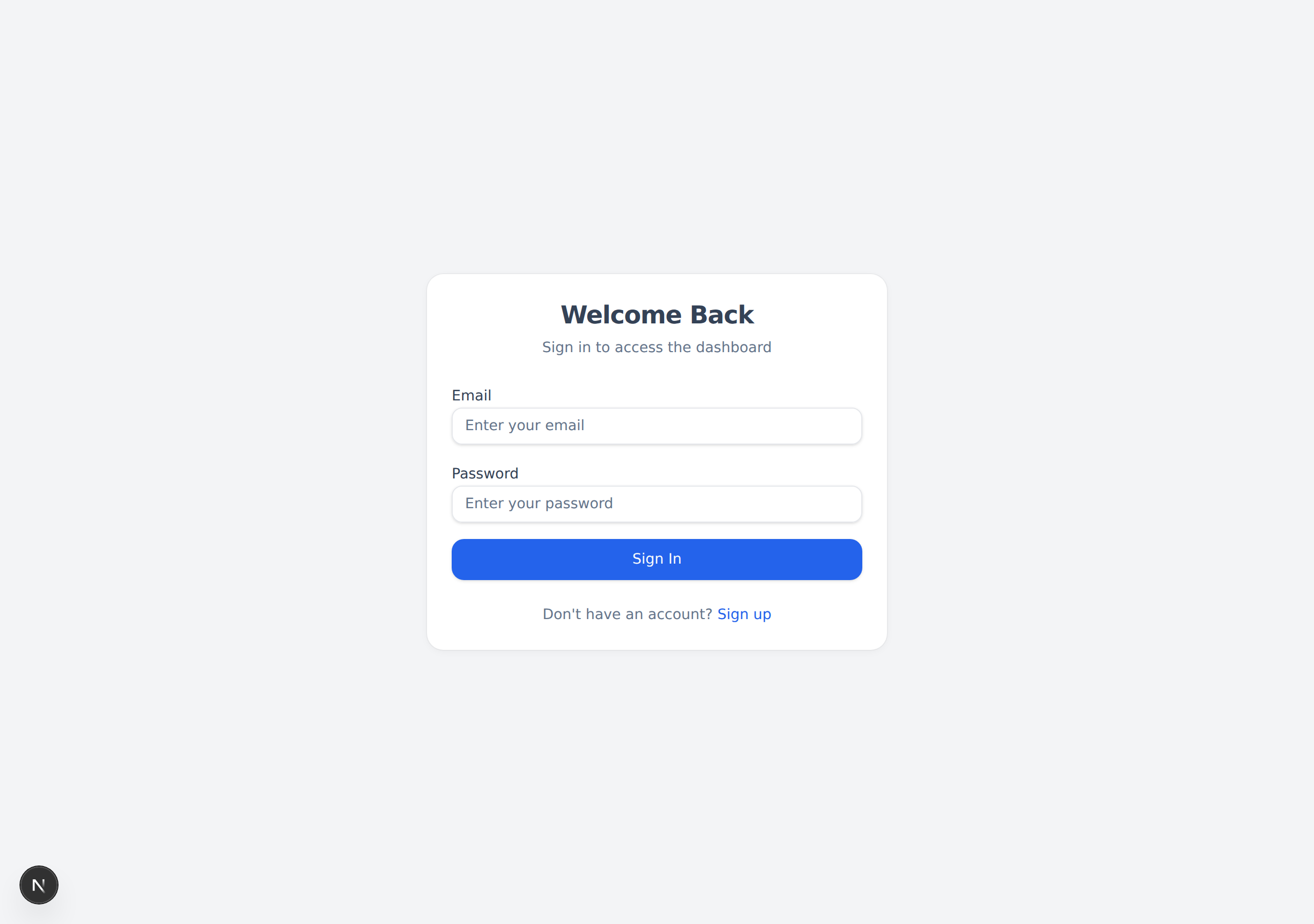
Steps
- Go to civilsurgeon.app/login.
- In the Email box, type your email address.
- In the Password box, type your password.
- Click the blue "Sign In" button.
When you sign in, the website opens your Dashboard, where all of your patients appear.
tip
Forgot you made an account? If you click "Sign In" and it says your details are wrong, you may have signed up with a different email. Try the "Sign up" link at the bottom to check.
note
Your work is saved to your account, not to one computer. You can sign in from any computer, tablet, or phone and pick up where you left off.
Next: Set Up Your Clinic →